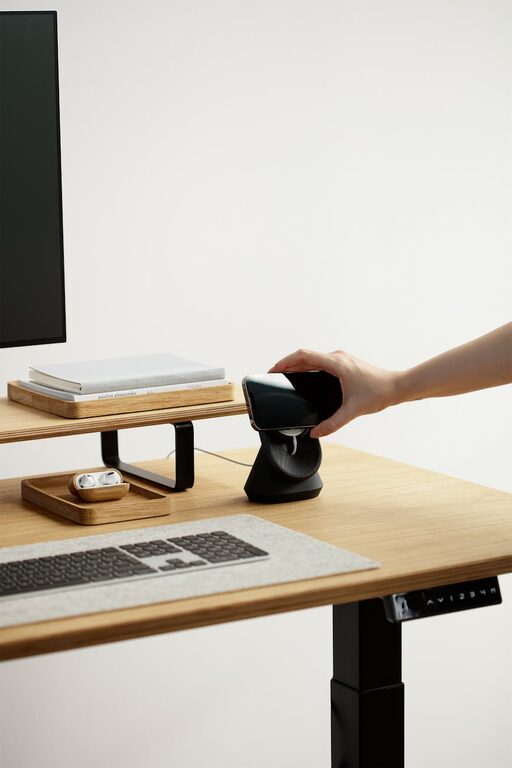
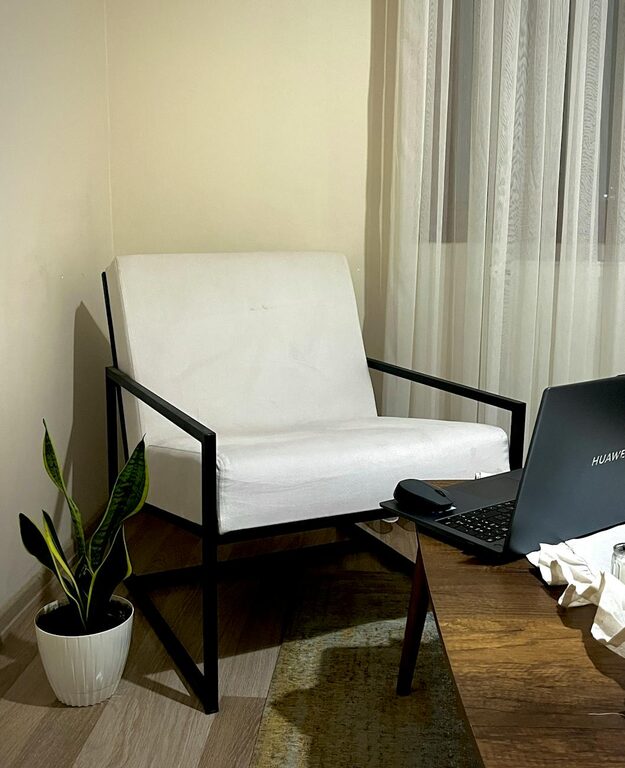
Creating a home office that is both cozy and productive can greatly enhance your work-from-home experience. A well-designed space not only helps you stay focused but also makes your workday more enjoyable. Whether you have a dedicated room or a small corner, there are practical ways to set up a workspace that suits your needs and boosts your efficiency. Here are some helpful tips to get started.
Choose the Right Location
Selecting the right spot for your home office is essential. Ideally, pick a quiet area away from household distractions. If possible, choose a space with natural light, which can improve mood and reduce eye strain. Avoid placing your desk directly in front of a window to prevent glare on your screen. Instead, positioning your desk perpendicular to the window often works best.
Invest in Comfortable Furniture
Comfort is key to maintaining productivity throughout your workday. Invest in an ergonomic chair that supports your posture and reduces back pain. Your desk should be at a height where your arms rest comfortably at a 90-degree angle while typing. If space allows, consider a sit-stand desk to alternate between sitting and standing, which can help reduce fatigue.
Optimize Lighting
Proper lighting can reduce eye strain and keep you energized. Besides natural light, use a combination of overhead lighting and task lighting. A desk lamp with adjustable brightness and color temperature lets you tailor the light to different tasks. Choose warm or neutral light for comfort during long hours.
Keep Your Space Organized
Clutter can distract and lower your productivity. Use organizers, shelves, or drawers to store office supplies neatly. A clean desk helps keep your mind clear and focused. Consider cable management solutions to keep cords tidy and out of the way. Regularly declutter your workspace to maintain a pleasant environment.
Personalize Your Office
Adding personal touches to your office space makes it more inviting. Display a few items that inspire you—such as artwork, plants, or photos—without overcrowding your desk. Indoor plants are known to improve air quality and create a calming atmosphere. Choose plants that are easy to care for, like succulents or pothos.
Minimize Noise and Distractions
If your location has ambient noise, consider noise-canceling headphones or white noise machines. These tools help you concentrate better, especially during important meetings or deep work sessions. Additionally, communicate boundaries with family or housemates about your working hours to reduce interruptions.
Use Technology Wisely
Having reliable and efficient technology is important for smooth remote work. Set up your computer, monitor, keyboard, and mouse in a way that minimizes strain. Use wireless devices to reduce cable clutter. If space is limited, consider using a laptop stand and an external keyboard and mouse for better ergonomics.
Incorporate Break Areas
Including a small area for breaks can encourage you to step away from your computer and recharge. A comfortable chair or a small couch nearby allows you to relax or read briefly. Taking regular breaks improves productivity and prevents burnout.
Organize Your Workflow
Plan how you will manage tasks and projects within your home office. Use planners, whiteboards, or digital apps to keep track of your to-do list and deadlines. Visualizing your workflow helps keep you on track and motivated throughout the day.
Maintain Good Air Quality
Good ventilation improves focus and health. If your home office lacks windows, consider an air purifier. Regularly opening doors or windows to circulate fresh air also helps maintain a fresh environment.
—
Setting up a cozy and productive home office doesn’t require a large budget or complicated design. By focusing on comfort, organization, and lighting, you can create a space that makes working from home a pleasant and efficient experience. Remember, your workspace should work for you—feel free to adapt these tips to your preferences and needs. Happy working!