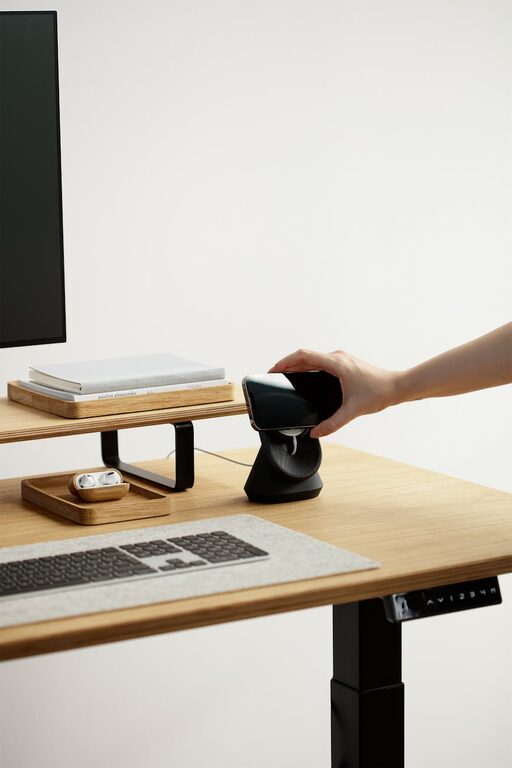
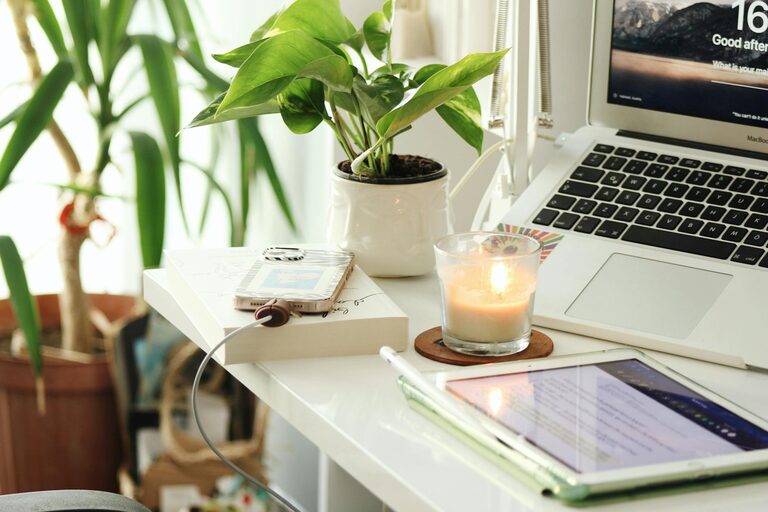
Creating a productive home office is essential for anyone working remotely or managing tasks from home. A well-designed workspace can improve focus, motivation, and overall work quality. Whether you have a dedicated room or a corner in your living space, these tips will help you build an environment where you can thrive professionally.
Choose the Right Location
Selecting the right spot for your home office sets the foundation for productivity. Ideally, find a quiet area with minimal distractions. If possible, pick a space with natural light to help reduce eye strain and improve mood.
Tips for Choosing a Location
– Avoid high-traffic areas or places near noisy appliances.
– Consider a spot with a door for privacy.
– Make sure the area has enough room for your equipment and supplies.
Invest in Comfortable and Functional Furniture
Your furniture should support your body and work habits throughout the day.
Key Furniture Elements:
– Ergonomic chair: Look for adjustable features to prevent back and neck pain.
– Desk: Find one at the right height to maintain good posture.
– Additional supports: Use a footrest or wrist rests if needed.
Comfort encourages long periods of focus and reduces the risk of discomfort-related breaks.
Organize Your Space Effectively
Clutter can distract and overwhelm, so organizing your workspace is crucial.
Organization Strategies:
– Use shelves, drawers, or filing cabinets for documents and supplies.
– Keep essentials within easy reach.
– Declutter regularly by removing unnecessary items.
A tidy area fosters clarity and helps you stay on task.
Optimize Lighting
Good lighting reduces eye fatigue and enhances alertness.
Lighting Tips:
– Maximize natural daylight by positioning your desk near windows.
– Use adjustable desk lamps to focus light where needed.
– Choose bulbs with neutral or cool tones that mimic daylight.
Avoid harsh overhead lighting that causes glare.
Minimize Distractions
Limiting interruptions allows you to maintain concentration.
How to Reduce Distractions:
– Inform household members of your work hours.
– Use noise-canceling headphones or play ambient sounds.
– Silence phone notifications and unnecessary computer alerts.
Setting clear boundaries helps create a focused work mindset.
Personalize Your Workspace
Adding personal touches can make your office inviting while motivating you.
Ideas for Personalization:
– Display photos, artwork, or plants.
– Use colors that boost your energy or calm your mind.
– Incorporate items that reflect your personality without clutter.
Balance personalization with professionalism to keep your space inspiring yet practical.
Leverage Technology Efficiently
Technology is a major part of any home office. Using it wisely can save time and reduce frustration.
Technology Tips:
– Ensure a reliable internet connection.
– Use productivity apps to manage tasks and deadlines.
– Keep cables organized to avoid tangles and accidents.
Regularly update software and hardware to maintain smooth performance.
Establish a Routine
Creating a consistent schedule supports productivity and work-life balance.
Routine Suggestions:
– Set regular work hours and breaks.
– Begin and end your day with set rituals to signal focus or relaxation.
– Use time management techniques like the Pomodoro method.
A routine helps train your mind to shift into work mode.
Incorporate Movement and Breaks
Sitting for long periods can reduce productivity and affect health.
Ways to Include Movement:
– Stand or stretch every hour.
– Use a sit-stand desk if possible.
– Take short walks during breaks to refresh your mind.
Physical activity improves circulation and boosts energy levels.
—
By thoughtfully designing your home office with these tips, you create a workspace that supports productivity, comfort, and well-being. Adjust your setup as needed and find what best fits your working style to maintain motivation and efficiency day after day.